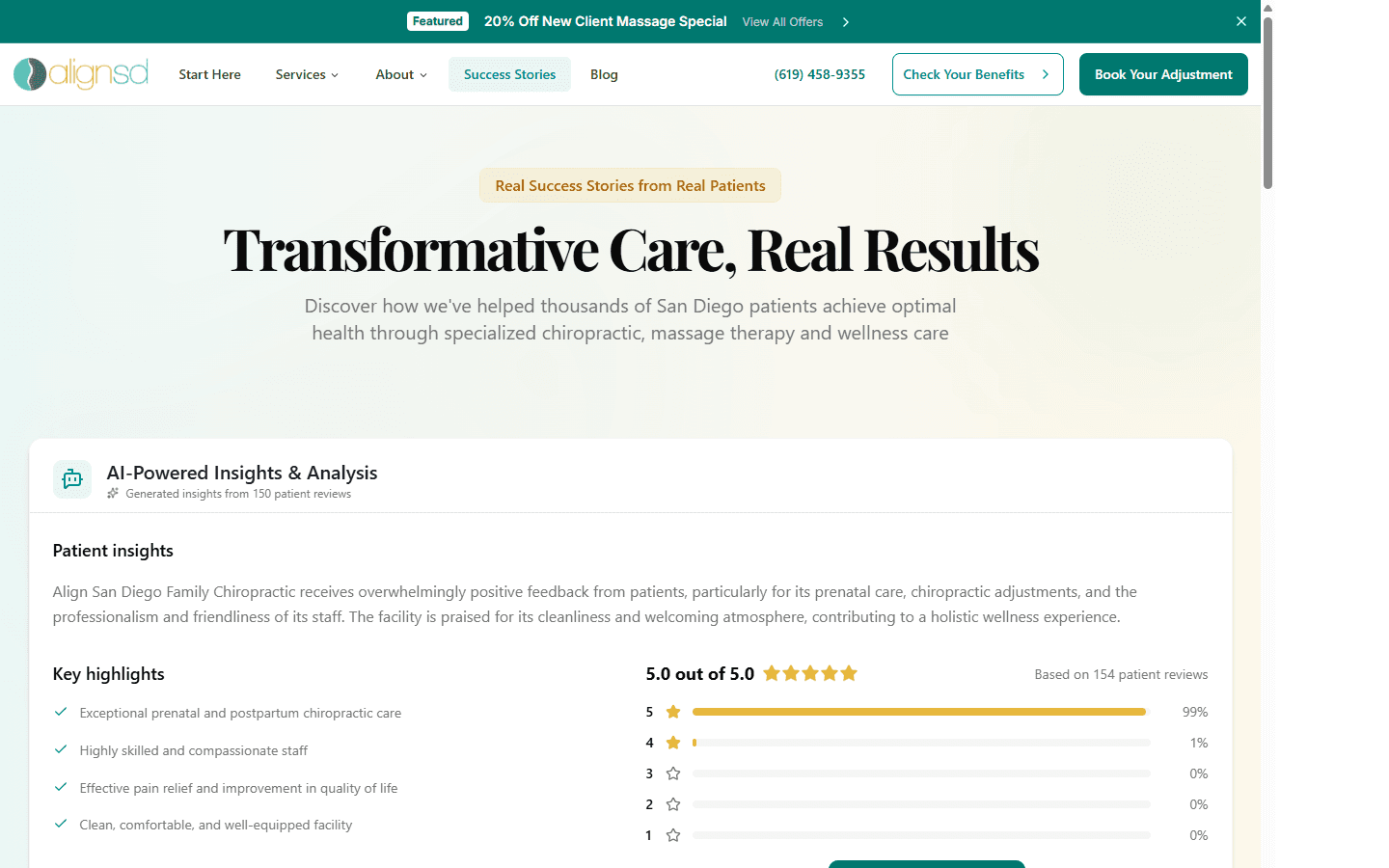
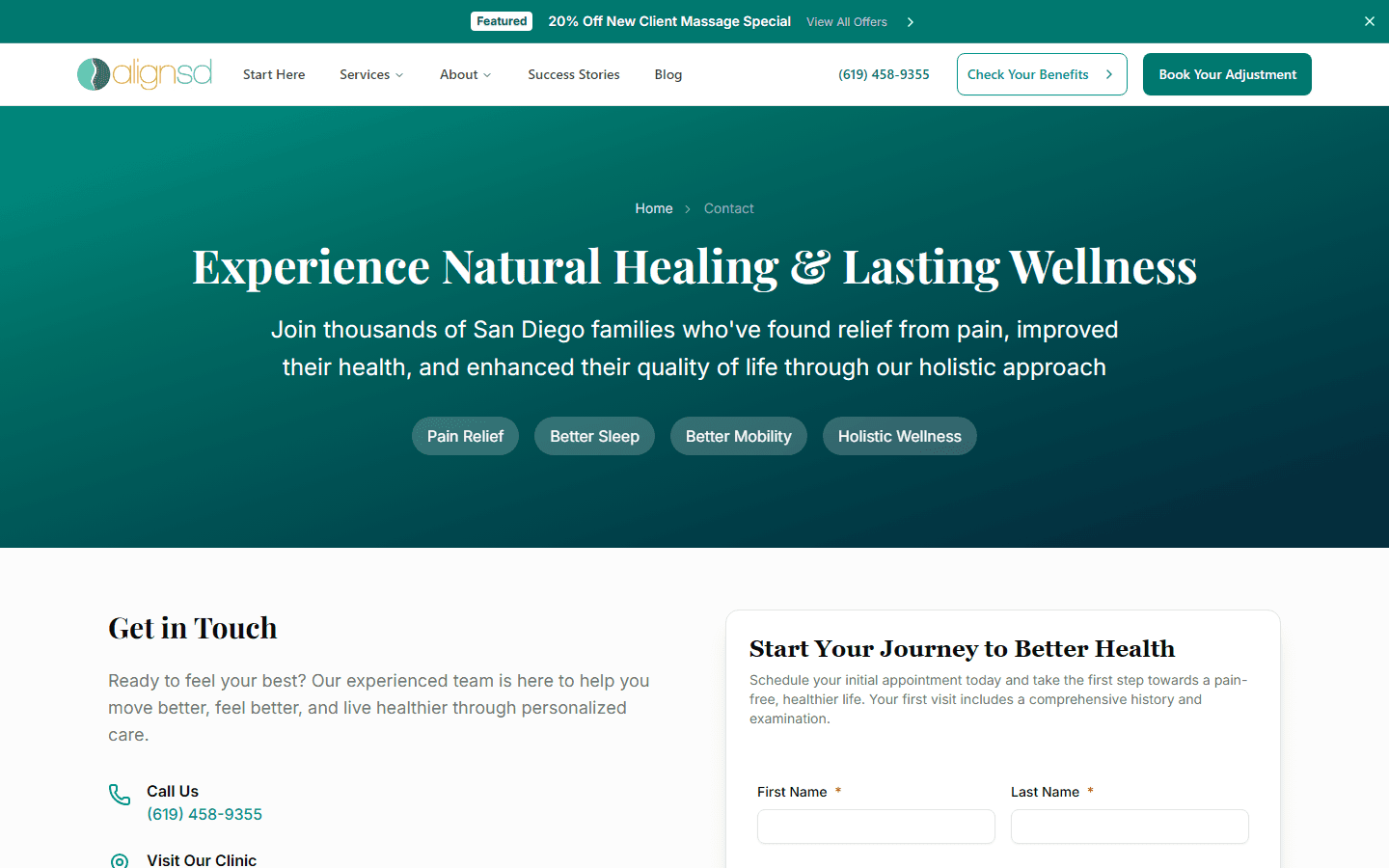
Align San Diego Family Chiropractic
A 277K-line Next.js healthcare platform serving 5,000+ families — built solo from schema design to production deployment.

The Situation
A San Diego chiropractor with 17 years of practice and 5,000+ patients had outgrown her WordPress site. She needed a platform that could handle insurance verification with document upload, programmatic SEO for 15+ neighborhoods, a Sanity-powered blog with AI-assisted content, and a transactional email system that replaced three separate tools.
The constraint: she's the only person who edits content. The CMS had to be intuitive enough that a non-technical practitioner could manage 203 pages of content without developer support. Every architectural decision flowed from that constraint.
Project Context
Solo Developer (design → deploy)
2025 – Present
Healthcare practice · San Diego, CA
System Architecture
The system coordinates 12+ external services through 34 API routes. When content publishes in Sanity, the revalidation webhook invalidates caches and fires IndexNow submissions to Bing — search engines learn about changes in seconds, not days. The core architectural principle: every form submission passes through the same security pipeline (honeypot → rate limit → geo-block → validate → process) regardless of which integration it triggers downstream.
Request Lifecycle
Content & CMS
Sanity v5 with TypeGen, GROQ, Visual Editing
Security Pipeline
7-layer defense-in-depth spam prevention before any data reaches the server
SEO Engine
76 JSON-LD schemas + programmatic area pages
AI Services
OpenAI structured output for document OCR + content enhancement
Email System
27 React Email templates triggered by 8 different events
Observability
Sentry (edge + server), PostHog analytics, Slack notifications, custom audit scripts
CI/CD Pipeline
4 GitHub Actions workflows: production deploy, PR checks, Sanity schema validation, SEO test suite
Insurance Verification
Orchestrating 7 Services in 60 Seconds
The Problem
Patients called the front desk to verify insurance coverage — and often got no answer because the office was closed. A Thursday voicemail was the worst case: it stacked three separate "wait until next business day" delays before anything useful happened. When the front desk did pick up, each inquiry consumed 15-20 minutes of staff time, then required a manual handoff to the biller, who had her own 1-2 day processing queue. Total time from patient call to verified result: up to 7 days, 4 handoffs, and zero visibility for the patient in between. The practice needed a self-service flow that collapsed this entire chain into a single automated loop — collecting patient data, verifying insurance documents with AI, creating a CRM contact, sending confirmation emails, and notifying staff — all without the patient picking up the phone.
The old workflow wasn't just slow — it was compounding latency. Each handoff required the previous step to be complete before it could start, and every step had its own overnight or weekend gap. The front desk couldn't forward documents until the patient replied, the biller couldn't process until she received the forward, and the patient heard nothing until the biller's result made the return trip through the front desk.
The form collects patient info, insurance details, and card photos across a multi-step UX with per-step validation using React Hook Form and Zod. Each step validates independently before advancing.
The security pipeline is load-bearing to the business case — not just a nice-to-have. By blocking spam before it reaches OpenAI or the CRM, it protects the biller's time, which was the original bottleneck. A biller drowning in junk submissions would have killed the efficiency gain even if the automation worked perfectly. Honeypot multi-field validation, rate limiting, and IPHub geo-blocking run in sequence, each ordered by cost: honeypot is free (client-side), rate limiting is cheap (in-memory), and IPHub costs an API call — so you only pay for submissions that passed the first two walls.
Uploaded insurance card images are sent to OpenAI GPT-4o Vision with response_format: json_schema — not free-text extraction, but Zod-validated structured output. The schema constrains what the model can return, eliminating hallucinated fields entirely.
Downstream orchestration runs in parallel: CRM contact creation in GoHighLevel with deduplication by email, 4 separate emails (patient confirmation, staff notification, bizops summary, failure alerts), and a Slack notification — all wrapped in a 60-second maxDuration API route. Each of the 7 services fails independently, so a flaky CRM call doesn't leave a patient wondering if their insurance was received.
Partial Success > Total Rollback
The hardest part of multi-service orchestration isn't calling the APIs — it's deciding what happens when service #4 of 7 fails at 2am on a Saturday. I built each downstream call to be independently failable: if GoHighLevel has an outage, the patient still gets their confirmation email and staff still gets the Slack notification. For a non-transactional flow like insurance verification, partial success is always better than total rollback — the patient needs to know their submission was received, even if one backend system is degraded.

JSON-LD @graph Composer
81 Files That Google Actually Reads
The Problem
Healthcare SEO depends heavily on structured data — Google uses it to display rich results, verify medical authority (E-E-A-T), and understand service areas. Most sites inline a single JSON-LD block per page. AlignSD needed 25+ Schema.org types (Organization, Physician, MedicalOrganization, FAQPage, etc.) composed dynamically per page, with medical codes (ICD-10, SNOMED-CT) attached to condition pages.
A 5-layer architecture instead of a single generateJsonLd() utility: the service page for "Prenatal Chiropractic" needs Organization + Physician + MedicalBusiness + Service + BreadcrumbList + FAQPage, while a blog post needs BlogPosting + Author + BreadcrumbList. Different pages compose different subsets.
Layer 1 (Core) defines TypeScript interfaces matching Schema.org spec plus business constants like address, phone, and coordinates. Layer 2 (Elements) provides reusable fragments — openingHours(), address(), aggregateRating() — called by multiple schemas.
Layer 3 (Schemas) contains full entity generators — organizationSchema(), physicianSchema(), etc. Layer 4 (Builders) maps Sanity documents to the right schema combinations. Layer 5 (Composers) assembles a @graph array from multiple schemas and deduplicates by @id.
The test suite validates every schema against Schema.org spec before deployment. Adding a new page type means adding a builder — the schemas, elements, and composer layers are untouched.
The Abstraction That Pays For Itself
The composable architecture cost ~3x more upfront time than inlining JSON-LD per page. It paid for itself the first time the client added a new service category: zero frontend changes, the builder + composer automatically generated the right structured data from the Sanity schema. The abstraction boundary is "what data exists" (Sanity) vs. "what Google needs to see" (JSON-LD) — and those two things should never be coupled.
Programmatic Area SEO
Owning Local Search Without Duplicate Content
The Problem
The practice serves 15+ San Diego neighborhoods but has one physical location. Traditional location pages are thin content farms — same text with the city name swapped. Google penalizes this. The challenge: generate unique, useful pages for each neighborhood that rank for [service] in [neighborhood] queries without triggering duplicate content penalties.
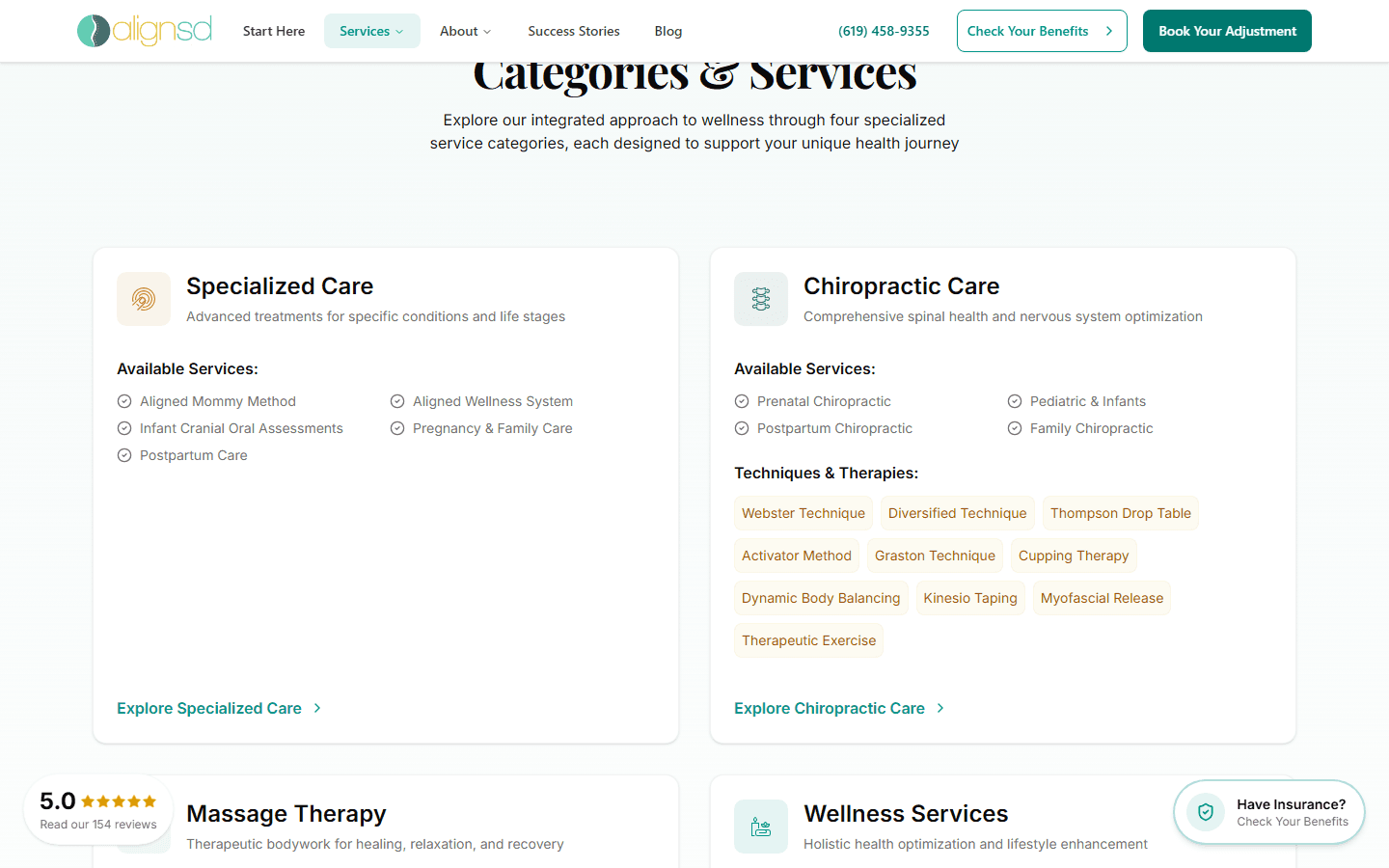
A hub page at /areas indexes all neighborhoods with a map. Spoke pages like /areas/mission-valley contain neighborhood-specific hero imagery from Sanity, local driving directions, embedded Google Map, tabbed local guide (Parks, Health & Wellness, Food, Landmarks — all unique per area), filtered patient reviews from that area, and service keyword links.
Sub-spoke pages like /areas/mission-valley/chiropractor target specific [service] + [area] long-tail keywords with unique content per combination. Each page gets its own JSON-LD (LocalBusiness + BreadcrumbList + WebPage) via the composer system.
Internal linking is bidirectional: area pages link to service pages, service pages link back to relevant areas. This creates a dense internal link graph that distributes authority across the entire programmatic SEO layer.
Content That Proves You Know the Neighborhood
The tabbed local guide (Parks, Health, Food, Landmarks) is what differentiates this from a content farm. Each tab contains hand-curated places with addresses and Google Maps links. This is the kind of content Google rewards — it's genuinely useful to someone searching "chiropractor near Mission Valley" because it proves the business actually knows the neighborhood. The CMS schema stores these as structured Sanity documents so the client can update them without touching code.
Spam Prevention
Seven Layers of Defense in Depth
The Problem
Healthcare contact forms are spam magnets — bots target them 24/7, and every spam submission that reaches the CRM or triggers an email costs real money (API calls, Resend sends, staff time triaging). Third-party CAPTCHA services add friction for real patients. The goal: block 99%+ of spam with zero visible user friction and zero CAPTCHA challenges.
Layer 1 — Honeypot (client-side, free): Three invisible traps. A hidden text field (bots fill it; humans don't see it). A timing check (submissions faster than 3 seconds = bot). A hidden checkbox (bots check everything; humans never see it). Any trigger = silent rejection with a fake success response + spam alert email to staff. The silent rejection is critical — returning an error tells the bot it was caught, so it adapts.
Layer 2 — Rate Limiter (server-side, cheap): In-memory store tracking submissions per IP per configurable time window. Different form types get different limits — insurance verification allows 2 per 24 hours, contact forms allow 5 per hour. Exceeding the limit returns 429. No database dependency — survives cold starts.
Layer 3 — IPHub Proxy/VPN Detection (external API): Checks the IP against IPHub's database of proxies, VPNs, and datacenter IPs. Apple Private Relay is explicitly whitelisted — blocking it would reject legitimate iPhone users. A chiropractor in San Diego doesn't need insurance verifications from a Russian datacenter.
Layer 4 — Geo-Blocking (configurable): Form submissions restricted to US IPs. Configurable per form type — the newsletter might accept international signups, but insurance verification is US-only. The geographic constraint is a business rule, not just a security measure.
Layer 5 — Manual IP Blocklist (CIDR ranges): A static blocklist with CIDR range support for persistent bad actors. When layers 1-4 don't catch a sophisticated attacker, the IP range gets added manually. CIDR support means blocking an entire subnet rather than playing whack-a-mole with individual IPs.
Layer 6 — Email Validation + Suspicious Tracking: Pattern matching on email addresses (disposable domains, random strings, recently-blocked addresses). A submission from temp-mail.org with a timing of 0.8 seconds that somehow passed the honeypot still gets caught here. Recently-blocked email tracking prevents the same bad actor from retrying with the same address.
Layer 7 — AI Spam Detection (OpenAI): The final layer uses OpenAI to detect sophisticated spam that passed all previous layers — specifically, cleaning service pitches disguised as patient inquiries. These are human-written, from legitimate IPs, with real email addresses. Only AI can distinguish 'I need my office cleaned weekly' from 'I need help with my back pain.' Only submissions that passed all six previous layers reach this API call.
The layers are ordered by cost: honeypot is free (client-side), rate limiting is cheap (in-memory), and each subsequent layer adds cost. AI spam detection — the most expensive — only runs on the tiny fraction of submissions that passed everything else.
Defense in Depth Is an Economic Decision
The 7 layers aren't redundant — they're ordered by cost. Layer 1 (honeypot) is free and catches 90% of bots. Layer 2 (rate limiter) is cheap and catches brute force. Layers 3-4 (IPHub + geo) cost one API call. Layers 5-6 (blocklist + email) are lookups. Layer 7 (AI) costs an OpenAI call — but it only fires on the <1% of submissions that passed everything else. The architecture means you spend almost nothing on the spam you catch, and almost everything on the spam that's genuinely hard to detect.
AI Content Enhancement Pipeline
From Publish Button to SEO-Ready in Seconds
The Problem
Publishing a blog post or community event required manually writing SEO titles, meta descriptions, summaries, and category tags. For a solo non-technical editor publishing weekly content, this added 15-20 minutes per post and often resulted in suboptimal metadata that hurt search rankings.
A custom Sanity Studio document action adds an "Enhance" button to blog posts and events. One click sends the document content to an API route that orchestrates the full enhancement pipeline: content extraction, AI processing, validation, and document patching.
The API route sends the content to OpenAI with response_format: json_schema for structured output. The system prompt positions the AI as an expert SEO specialist for wellness content. Critically, it receives the full list of existing categories and tags with their Sanity _ids — the model selects from real references rather than inventing names.
The AI response is validated against a Zod schema (AIResponseSchema) before any data touches the document. A post-processing guard (isSanityDocumentId()) validates every returned reference. Any unrecognized ID is silently dropped rather than creating a broken reference in the CMS.
If OpenAI fails or returns invalid data, a fallback system truncates the content into basic SEO metadata with aiEnhancementStatus: 'failed' and aiMetadata.fallbackUsed: true. The editor always sees results — the pipeline self-heals rather than blocking the publish flow.
Constrain the Model, Trust the Output
The biggest lesson from building AI integrations: structured output + Zod validation + reference-only category selection eliminates the three most common failure modes (hallucinated fields, type mismatches, broken references). The AI never invents a category name — it picks from what exists. This makes the output trustworthy enough to patch the document automatically without human review.
React Email Template System
27 Templates, 30+ Shared Components, One Logo Change
The Problem
The practice used three separate tools for transactional email, marketing, and internal alerts. Templates were scattered across SendGrid, Mailchimp, and hardcoded HTML strings. Updating the brand logo required changes in three places, and there was no version control, no TypeScript, and no way to preview emails during development.
All 27 email templates are React components built with React Email and rendered through Resend. The templates share 30+ components — Header, Footer, Button, Logo, Divider, Badge, InfoRow, Section, CTA — so a brand update propagates everywhere from a single change.
Templates are organized by domain: 5 for insurance verification (patient confirmation, staff notification, bizops summary, spam alert, blocked alert), 4 for contact and career forms, 6 for marketing automation, and 5 for internal alerts. Each template is a typed React component that receives strongly-typed props.
The email pipeline uses Promise.allSettled for parallel sends — a failure in the staff notification email never blocks the patient confirmation. The system sends up to 5 emails per insurance verification submission, all in parallel with independent error handling.
Every email trigger is traceable: Sentry captures send failures, Slack receives alerts for blocked or spam submissions, and the bizops summary email gives the practice owner a daily digest of patient interactions.
Email Is Infrastructure, Not an Afterthought
Most projects treat email as a last-mile hack — hardcoded HTML strings or drag-and-drop builder templates that nobody version-controls. Building emails as React components with a shared component library turned email into maintainable infrastructure. The practice updated their brand colors once, and 27 templates updated in the same deploy. That's the ROI of treating email as code.

Event Approval Workflow
From Draft to Google in Under 60 Seconds
The Problem
The practice hosts weekly community events — workshops, health fairs, kids' spine checks. Each event needed a page with SEO metadata, JSON-LD Event schema, and search engine indexing. The old workflow: the client emailed event details, the developer manually created a page, deployed, and submitted to Google Search Console. Turnaround: 2-3 business days. The practice needed same-day publishing with zero developer involvement.
Events are Sanity documents with a structured schema: title, date/time, location (with lat/lng for LocalBusiness JSON-LD), featured image, rich text description, category tags, and registration link. Validation rules enforce minimum content quality — no publishing without an image, no past dates, no empty descriptions.
The AI Enhance button (shared with blog posts) generates SEO title variants, meta descriptions, Open Graph text, and selects from existing category tags. The editor clicks once, reviews the suggestions, and publishes — the entire metadata workflow that used to take 15 minutes is now 10 seconds.
On publish, the Sanity webhook triggers Next.js revalidation for /events and /events/[slug], regenerates the Event JSON-LD schema (with proper startDate, location, organizer, and offers fields), and fires an IndexNow submission. Bing and Yandex learn about the event within minutes.
The cascade means the client can publish a Saturday workshop on Thursday afternoon and have it indexed by Friday morning — without touching code, without waiting for a developer, without manually submitting URLs to search engines.
The CMS Is the Workflow Engine
Most headless CMS implementations treat the CMS as a data store. This system treats Sanity as a workflow engine — validation rules enforce content quality, document actions add AI capabilities, and webhooks trigger the entire post-publish pipeline. The developer is removed from the content lifecycle entirely, which is the whole point of a CMS.
Real-Time Revalidation + IndexNow
Search Engines Learn in Seconds, Not Days
The Problem
Traditional Next.js ISR uses time-based revalidation — pages rebuild every 60 seconds or every hour regardless of whether content changed. For a healthcare site with 203 pages, time-based revalidation means either stale content (long intervals) or wasted compute (short intervals). Worse, search engines don't know about content changes until their next crawl — which could be days or weeks for a small business site.
The webhook handler receives Sanity publish events, verifies the webhook secret, and routes by document type. Blog posts use revalidateTag() for granular cache invalidation — only the post and its index page rebuild. Service pages use revalidatePath() for full page rebuilds since they affect navigation and structured data.
Related pages cascade automatically: publishing a blog post also invalidates the blog index, the RSS feed, and the sitemap. Publishing a service page invalidates the services index, area pages that link to that service, and the sitemap. The cascade map is defined once and shared across all webhook handlers.
After cache invalidation, the handler submits changed URLs to IndexNow — a protocol supported by Bing, Yandex, and other search engines. Instead of waiting for a crawler to discover changes, the site proactively notifies search engines. For a small business site that gets crawled infrequently, this is the difference between indexing in hours vs. weeks.
The entire pipeline — webhook receipt, cache invalidation, related page cascade, IndexNow submission — completes in under 2 seconds. The client publishes in Sanity Studio, and the live site reflects the change on the next page load.
Proactive > Reactive for Small Sites
Big sites get crawled constantly — Google visits nytimes.com thousands of times per day. A chiropractor's website might get crawled once a week. IndexNow flips the model: instead of waiting to be discovered, the site announces changes. Combined with on-demand revalidation (no stale content, no wasted rebuilds), this gives a small business site the indexing speed of a major publisher.
Animation Accessibility System
Framer Motion Islands with Motion-Safe Guards
The Problem
The site uses heavy animations — WebGL shader hero, scroll-triggered reveals, page transitions, animated counters. About 5% of users have vestibular disorders that make motion-heavy interfaces physically uncomfortable. The challenge: build a rich animation layer that degrades gracefully for users who need reduced motion, without maintaining two separate codebases.
All animations live inside 'use client' islands — the server renders full semantic HTML with zero JavaScript dependency. Content is readable before any client-side code loads. This is progressive enhancement by architecture, not by discipline.
A useReducedMotion() hook checks the prefers-reduced-motion media query and exposes it to every animation component. When reduced motion is preferred, Framer Motion variants return static transforms — elements appear in their final position without animation. The WebGL shader hero falls back to a static gradient.
Scroll-triggered reveals use Intersection Observer with configurable thresholds. In reduced-motion mode, elements are visible immediately — no scroll trigger needed. The animation boundary is always a 'use client' component, so the server-rendered HTML is complete and accessible by default.
Focus management is explicit: modal dialogs trap focus, the mobile navigation menu returns focus to the trigger on close, and skip-to-content links bypass the navigation for keyboard users. ARIA landmarks and live regions ensure screen readers can navigate the programmatic SEO pages (which have complex tabbed interfaces) without getting lost.
The Server Render Is the Accessibility Layer
The best accessibility decision was architectural: React Server Components as the default, 'use client' only for interactive islands. This means the fully accessible, semantic HTML version of every page ships by default. Animations, shaders, and interactive features are enhancements layered on top — if they fail to load or the user opts out, the page still works. You can't bolt accessibility onto a client-rendered SPA; you have to start with the server.
Engineering Decisions
Sanity v5 over Contentful, Payload, WordPress
Considered: Contentful (too expensive at scale), Payload (self-hosted ops burden), WordPress (not composable)
Non-technical solo editor needs: Presentation mode for visual editing, GROQ for flexible queries, TypeGen for type safety. Sanity's free tier covers the use case.
81-file JSON-LD system over a single utility
Considered: Single generateJsonLd() function, third-party schema plugin
New service categories added via CMS shouldn't require frontend deploys. The composable pattern decouples "what data exists" from "what Google sees."
In-memory rate limiter over Redis/Upstash
Considered: Redis (additional infra), Upstash (cost per call), Vercel KV (cold start latency)
A chiropractic website gets ~100 form submissions/month. In-memory with IP-based windows is sufficient. If traffic grew 100x, I'd migrate to Upstash — but premature infrastructure is a form of technical debt too.
3-layer honeypot over reCAPTCHA/Turnstile
Considered: Google reCAPTCHA (privacy concerns for healthcare), Cloudflare Turnstile (additional dependency), hCaptcha
Zero friction for patients. Healthcare users skew older — CAPTCHA challenges have measurably higher abandonment rates. The honeypot catches bots; the rate limiter + IPHub catch the rest.
React Email over MJML, Handlebars, SendGrid templates
Considered: MJML (no component model), Handlebars (no TypeScript), SendGrid drag-and-drop (no version control)
27 templates sharing 30+ components. When the practice updated their logo, one component change propagated to all 27 templates. That's not possible with HTML templates or drag-and-drop builders.
GoHighLevel CRM over HubSpot, Salesforce
Considered: HubSpot (expensive for small practice), Salesforce (overkill), custom DB
Client was already paying for GoHighLevel. Wrapping their existing CRM with typed API routes + Sentry gives observability without asking them to switch tools.
LLMs.txt for AI discoverability
Considered: robots.txt only (no AI guidance), no AI strategy, manual AI prompt engineering
LLMs.txt exposes structured site context (services, locations, FAQs) to AI assistants like ChatGPT and Perplexity. Costs nothing to maintain — the file is generated from the same Sanity data that powers the site. Early mover advantage for AI-referral traffic.
IndexNow over Google Search Console API
Considered: Google Search Console API (auth complexity), manual URL submission, wait for crawl
IndexNow is a single POST request — no OAuth, no service accounts, no Google Cloud project. Bing and Yandex pick up changes within hours. Google doesn't support IndexNow yet, but sitemap.xml + good internal linking handles Google's crawler. The 80/20 choice.
Phased area page rollout over bulk generation
Considered: Generate all 50+ area pages at once, static export with placeholder content
Launched with 15 high-priority neighborhoods with hand-curated local guides. Each page has unique content (parks, restaurants, landmarks) that proves local knowledge. Bulk-generated thin content would trigger Google's duplicate content penalties — the opposite of the goal.
PostHog over Google Analytics, Mixpanel
Considered: Google Analytics (privacy concerns for healthcare), Mixpanel (expensive), Plausible (limited)
PostHog is self-serve, HIPAA-compatible with their BAA, and provides session replay + feature flags + analytics in one tool. No need to send patient browsing data to Google. The session replay alone justified the switch — watching real users navigate the insurance form revealed UX issues that analytics numbers never would.
What I Learned
Partial Success > Total Rollback
When orchestrating 7 external services (OpenAI, CRM, 4 emails, Slack), I stopped trying to make the entire pipeline transactional. Instead, each downstream call is independently failable. If the CRM call fails, the patient still gets their confirmation email. This reduced support tickets from "my form didn't work" to zero.
The Abstraction That Pays For Itself
The JSON-LD composer system took 3x longer to build than inlining structured data. It paid for itself the first time the client added a new service category — zero frontend changes, the builder automatically generated the right @graph output. The rule: if the client can create new content types in the CMS, the structured data layer must handle them without a deploy.
Build the Audit Tools First
I wrote 6 custom code audit scripts (async waterfalls, bundle imports, client component boundaries, event listeners, suspense coverage, re-render patterns) before the codebase hit 30K lines. At 277K lines, those scripts catch regressions I'd never find manually. The 2 hours invested in tooling saved 20+ hours of debugging.
Animation Accessibility Is a Server Problem
The best reduced-motion implementation isn't a CSS media query — it's a rendering architecture. Server Components render full semantic HTML by default. Client islands add animation on top. If the animation layer fails or the user opts out, the page works. You can't retrofit this onto a client-rendered SPA — the server render IS the accessible version.
Documentation Is a Product Feature
LLMs.txt, comprehensive README, inline JSDoc on every public API, and a structured /llms.txt endpoint turned the codebase into something AI assistants can reason about. When ChatGPT can accurately describe your services because your site exposes structured context, that's not SEO — it's a new distribution channel.
By the Numbers
Lines of Code
Pages
Commits
External Integrations
JSON-LD Schema Files
Email Templates
API Routes
Test Files
Gallery

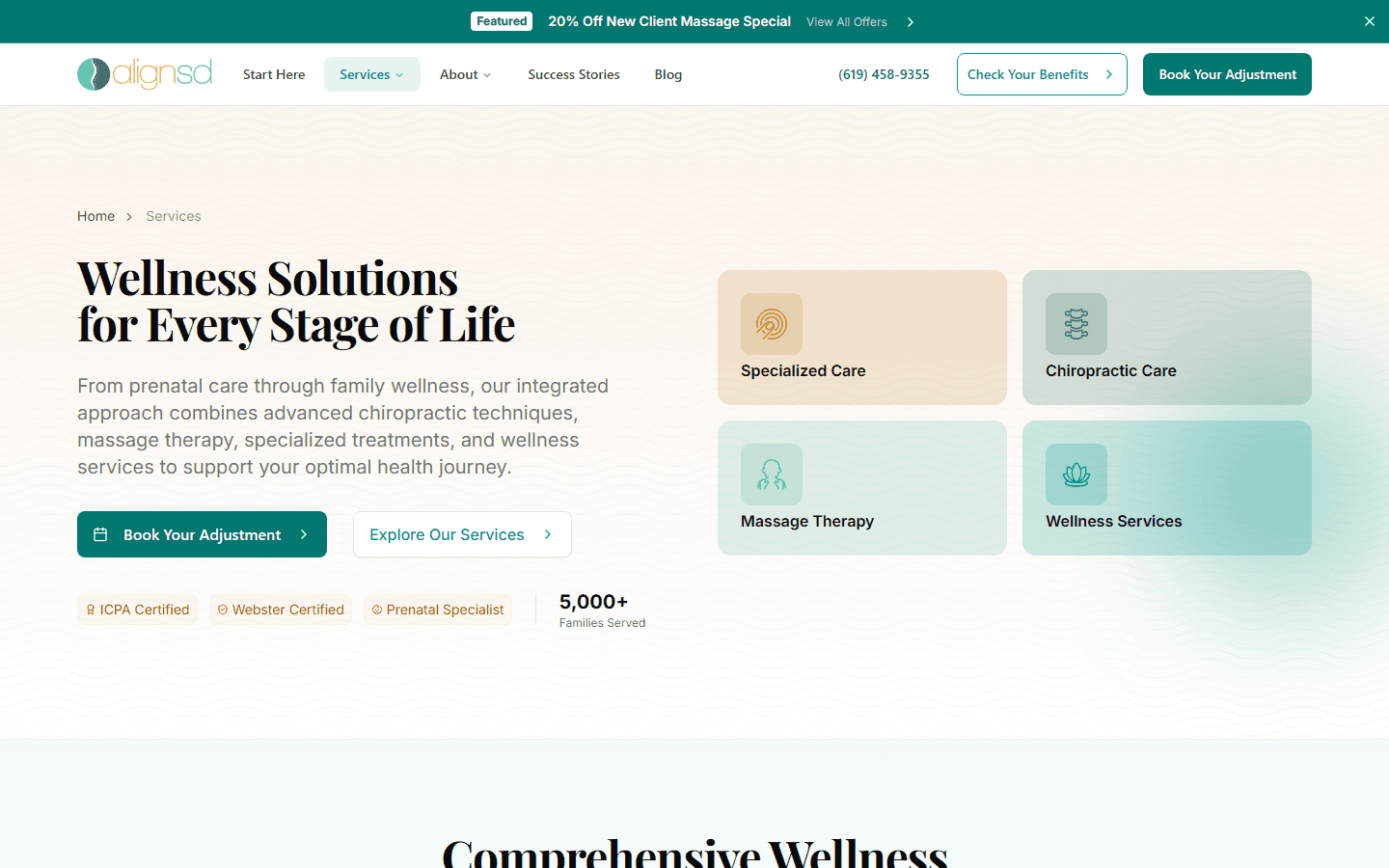

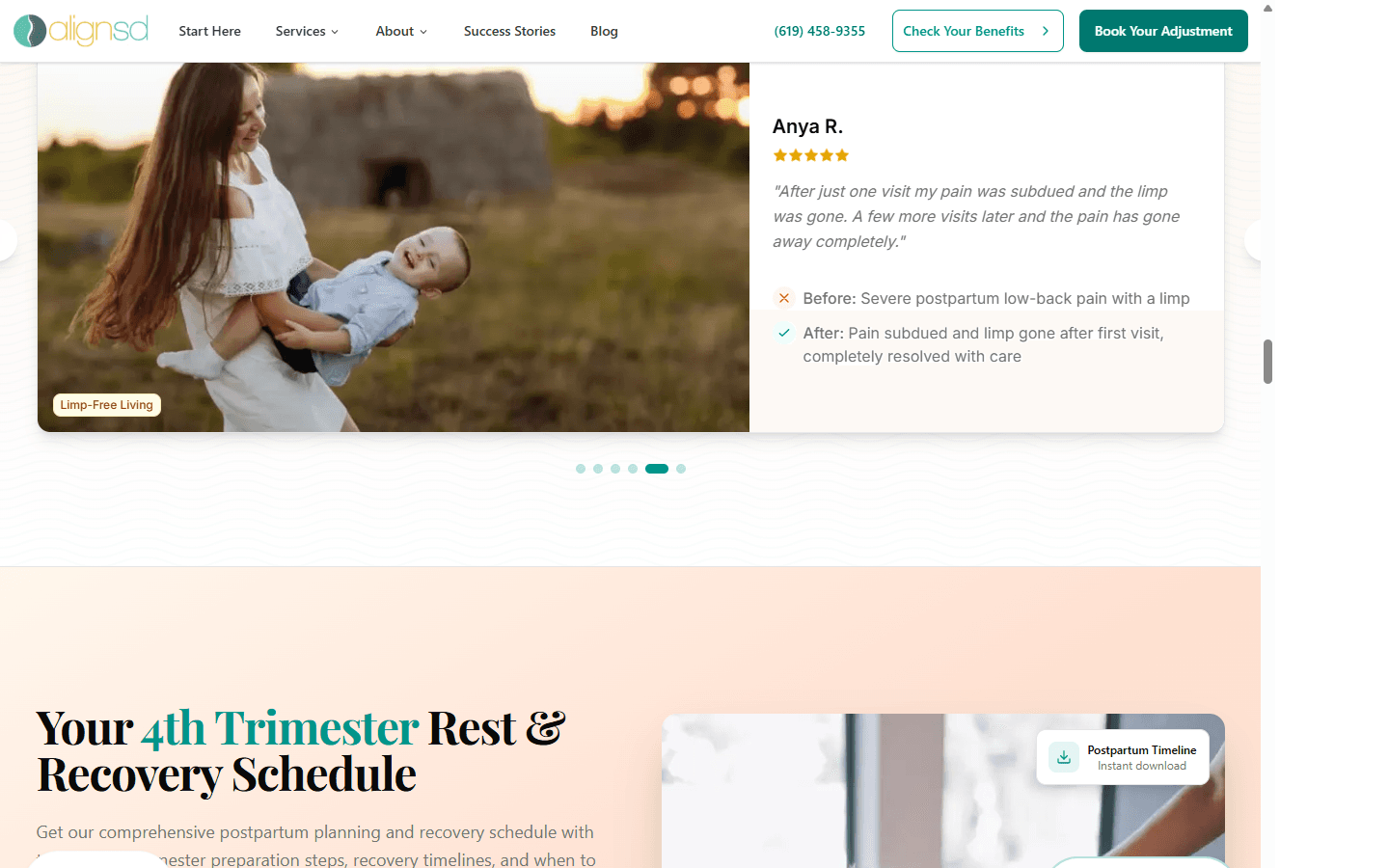
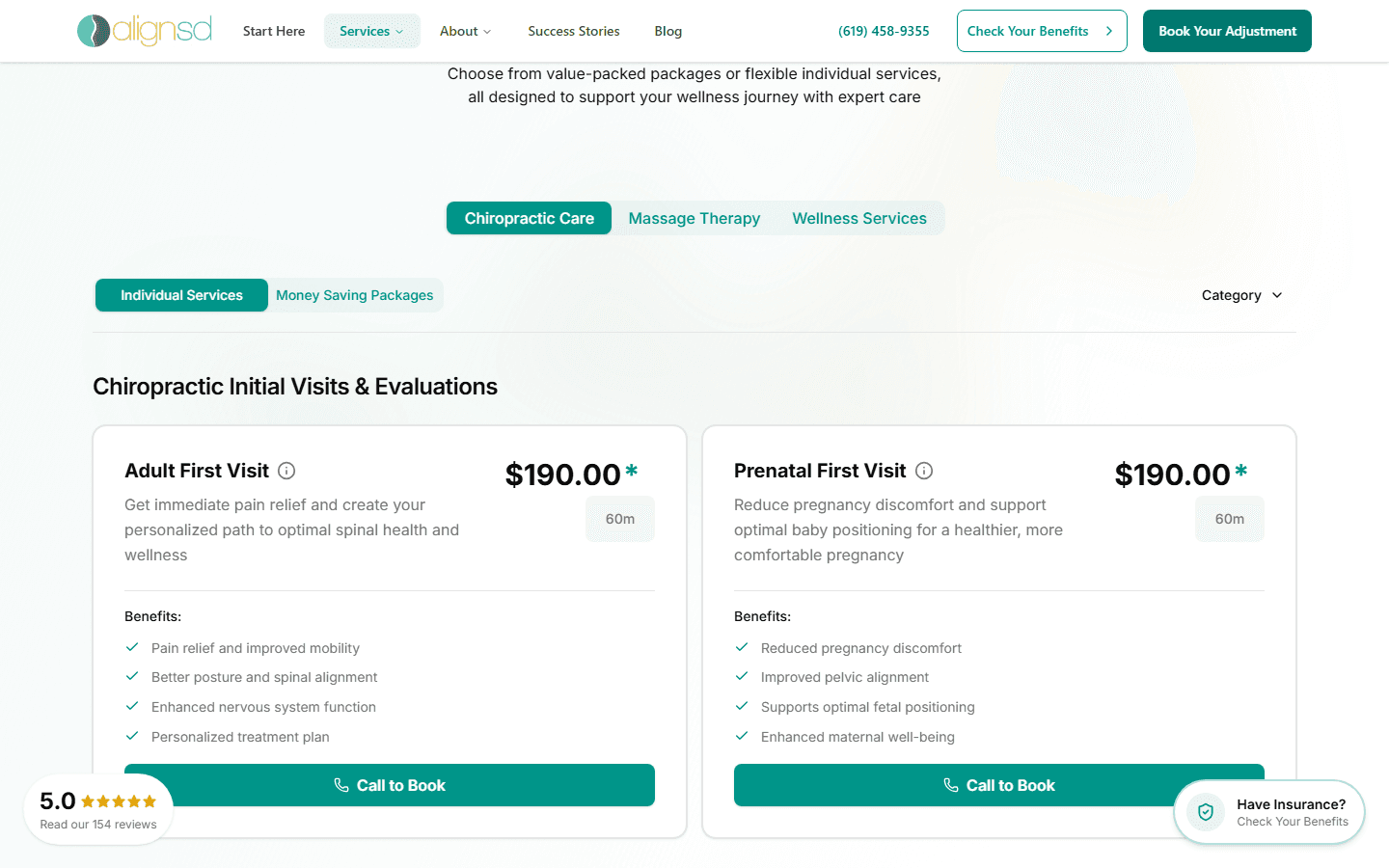
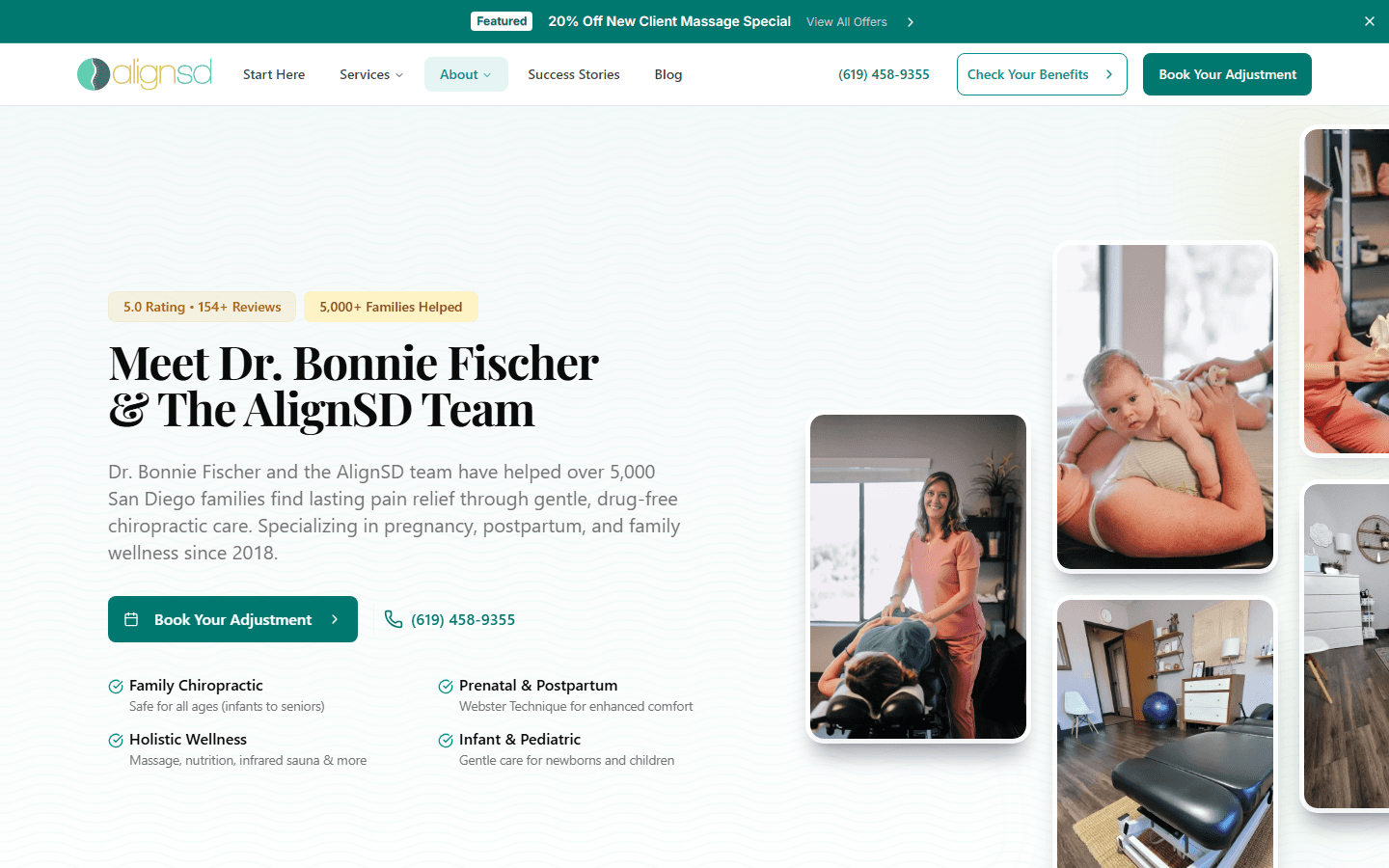
Interested in what I could build for your business? I'm currently taking on full-stack web development and AI integration projects. Read the full technical deep-dive on how I built this system.